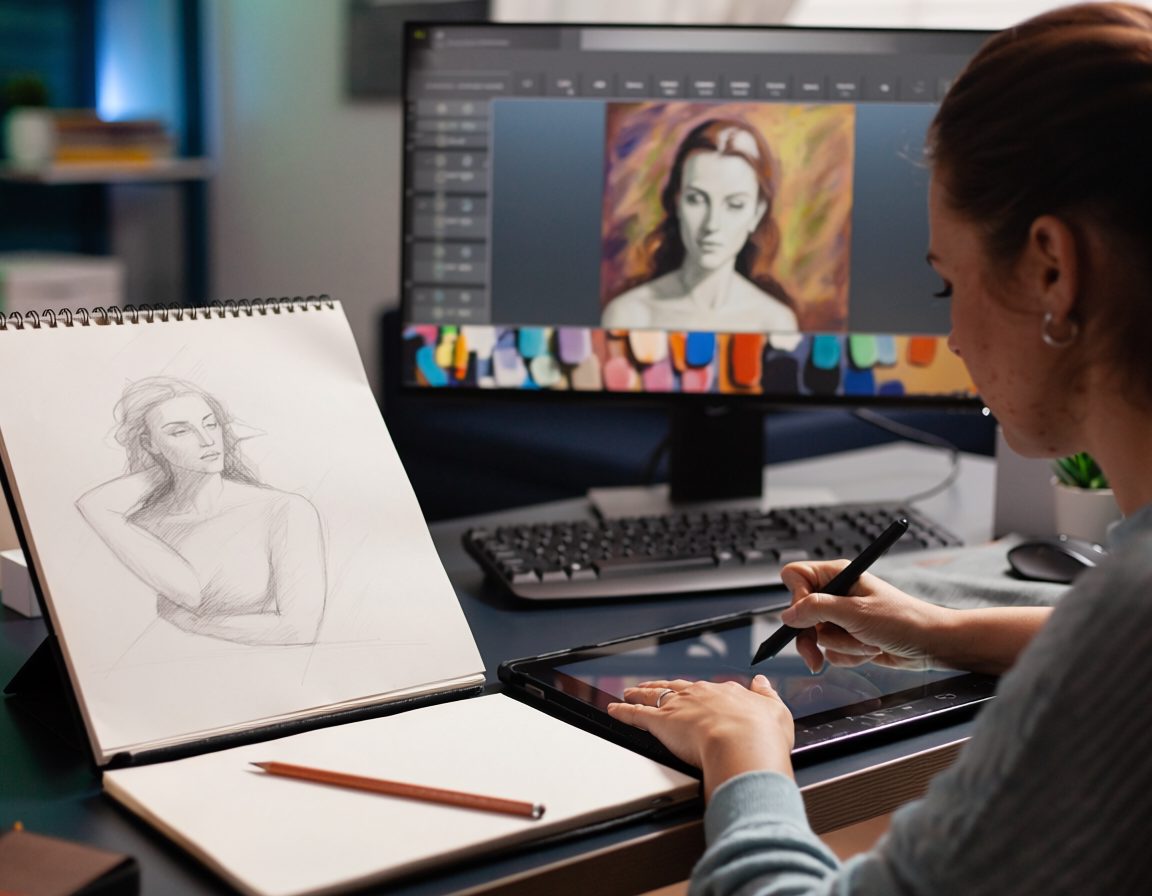
Creating professional digital artwork from a simple sketch is one of the most important skills for modern artists. Whether you want to work in gaming, animation, or concept art, the ability to transform rough sketches into polished digital paintings is essential.At Ankona School of Art, we teach this complete workflow in a structured way through our best online class, helping beginners become confident digital artists.
Why This Skill Is Important
A sketch is just the foundation. The real magic happens when you:
-Add clean line work
-Apply colors
-Build lighting and depth
-Create a finished professional look
Learning this process allows you to create portfolio-ready artwork and opens doors to career opportunities.
Tools You Need
Before starting, make sure you have:
-A computer or laptop
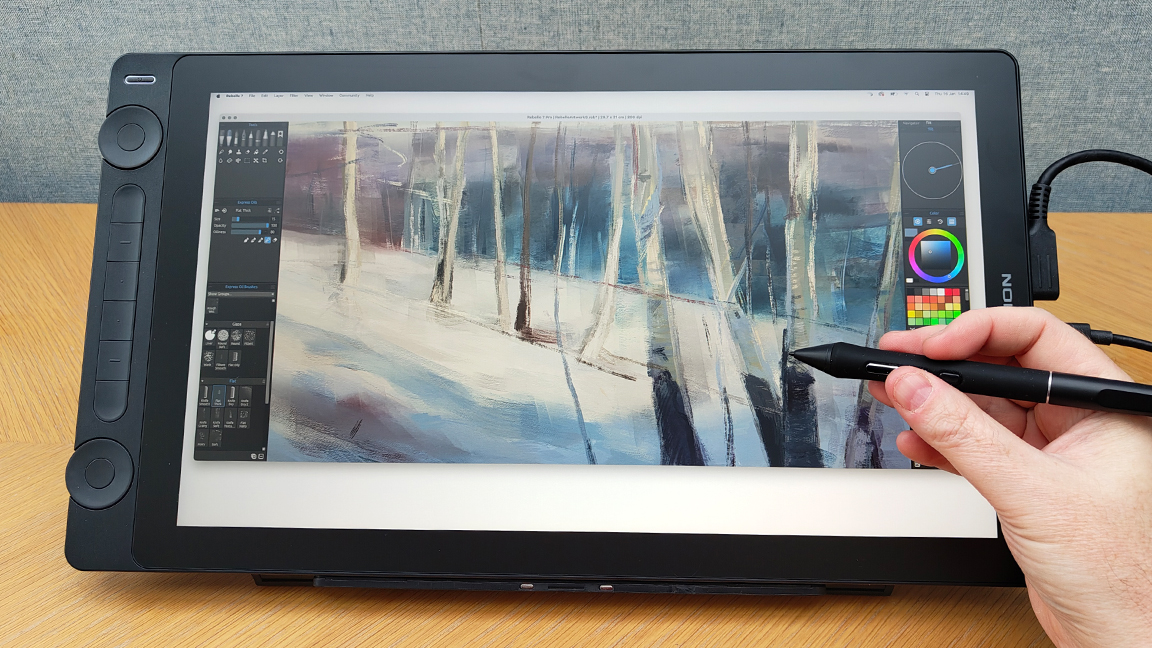
-Graphic tablet and stylus
-Software (Photoshop, Krita, Clip Studio Paint)
At Ankona School of Art, we guide students in selecting the right tools based on their level and goals.
Step-by-Step Process to Create Professional Artwork
1️⃣ Start with a Clean Sketch
Your sketch should clearly define:
Proportions
Structure
Composition
Refine your rough sketch by reducing unnecessary lines and improving clarity.
Tip: Use references to improve accuracy.
2️⃣ Create Clean Line Art
Once your sketch is ready:
-Use a clean brush to draw smooth lines
-Focus on clarity and precision
-Keep line weight consistent
This step gives your artwork a professional base.
3️⃣ Apply Base Colors
Now fill your artwork with flat colors:
-Choose correct color palette
-Separate colors using layers
-Avoid shading at this stage
This step sets the foundation for rendering.
4️⃣ Add Shadows and Lighting
Lighting brings your artwork to life.
-Decide light source direction
-Add shadows using darker tones
-Add highlights where light hits
Understanding light is key to realism.
At Ankona School of Art, we focus deeply on lighting techniques in our best online class.
5️⃣ Blend and Render
This is where your artwork becomes professional.
-Blend colors smoothly
-Add gradients and transitions
-Use soft brushes carefully
Avoid over-blending — keep some texture visible.
6️⃣ Add Details and Textures
Enhance your artwork by adding:
-Fine details
-Texture
-Edge refinement
These small details make a big difference.
7️⃣ Final Adjustments
Before finishing:
Adjust brightness and contrast
Check color balance
Refine edges
This step ensures your artwork looks polished.
Common Mistakes to Avoid
- Skipping clean sketch stage
- Poor understanding of lighting
- Over-blending everything
- Not using references
At Ankona School of Art, we help students avoid these mistakes through guided learning.
Why Learn from Ankona School of Art?
- Step-by-step structured learning
- Personal feedback and mentorship
- Focus on real-world skills
- Beginner-friendly approach
- Access to the best online class
Our goal is not just teaching tools, but helping students create professional-level artwork.
Career Opportunities
Once you master this skill, you can explore:
-Concept art
-Game design
-Animation industry
-Freelance digital art
With the right portfolio, you can work globally.
Final Thoughts
Creating professional digital artwork from a sketch is a process that requires patience, practice, and proper guidance. If you follow the steps consistently and focus on fundamentals, you can achieve amazing results.